
2-Hour Workshop On Copilot Check-In

Duration: 120 Minutes
This interactive workshop provides a practical overview of Microsoft Copilot with a strong focus on Copilot Chat and prompt engineering, followed by hands-on examples across Outlook, Excel, Word, PowerPoint, and OneNote. Participants will learn how to ask better questions, guide Copilot effectively, and use it responsibly within organisational and data boundaries. The emphasis is on real-world work scenarios rather than theory.
- What Copilot is and how it works across Microsoft 365
- Copilot Chat vs Copilot in apps: when to use which
- Prompt engineering fundamentals: clarity, context, constraints, and iteration
- Using Copilot in Outlook for email drafting, summarising, and tone refinement
- Using Copilot in Excel for analysis, patterns, explanations, and insights
- Using Copilot in Word for drafting, rewriting, structuring, and summarising
- Using Copilot in PowerPoint for slide creation and content refinement
- Using Copilot in OneNote for meeting notes and knowledge capture
- Good practice, limitations, and data awareness
This workshop helps you move from curiosity to confident, practical use of Copilot. You will learn how to write better prompts, understand what Copilot can and cannot do, and apply it meaningfully in your everyday work across key Microsoft applications.
This workshop helps you move from curiosity to confident, practical use of Copilot. You will learn how to write better prompts, understand what Copilot can and cannot do, and apply it meaningfully in your everyday work across key Microsoft applications.
This workshop helps you move from curiosity to confident, practical use of Copilot. You will learn how to write better prompts, understand what Copilot can and cannot do, and apply it meaningfully in your everyday work across key Microsoft applications.
- Managers and team Leads
- Knowledge Workers
- Administrators and Coordinators
- Finance, HR, and Operations Professionals
- Analysts and Consultants
- Anyone using Microsoft 365 Daily
Terry Winship is a Microsoft Certified Trainer (MCT) with over 20 years of experience in IT management and programming. Her expertise spans a range of software tools, from Microsoft staples like Excel, PowerPoint, Word, and Outlook to modern essentials such as Canva and LinkedIn profile optimization.
In the realm of training, her qualifications don't end at software. She has been accredited by Microsoft to teach the Instructional Skills Certification, a "train the trainer" program. Moreover, she has a Bachelor of Commerce and has provided training on an international scale, giving a broad understanding of diverse learning needs.
Beyond technical training, she has honed and shared skills essential for the modern professional: presentation techniques, public speaking, and speech writing. As a TEDx coach, She had the privilege of guiding speakers in crafting messages that leave a lasting impact.
Throughout her career, she has been driven by a passion for life-long learning. Whether you're looking to enhance your software proficiency or develop your soft skills, she brings to the table a blend of technical know-how, years of training experience, and a commitment to helping you achieve your goals.
Upcoming Webinars

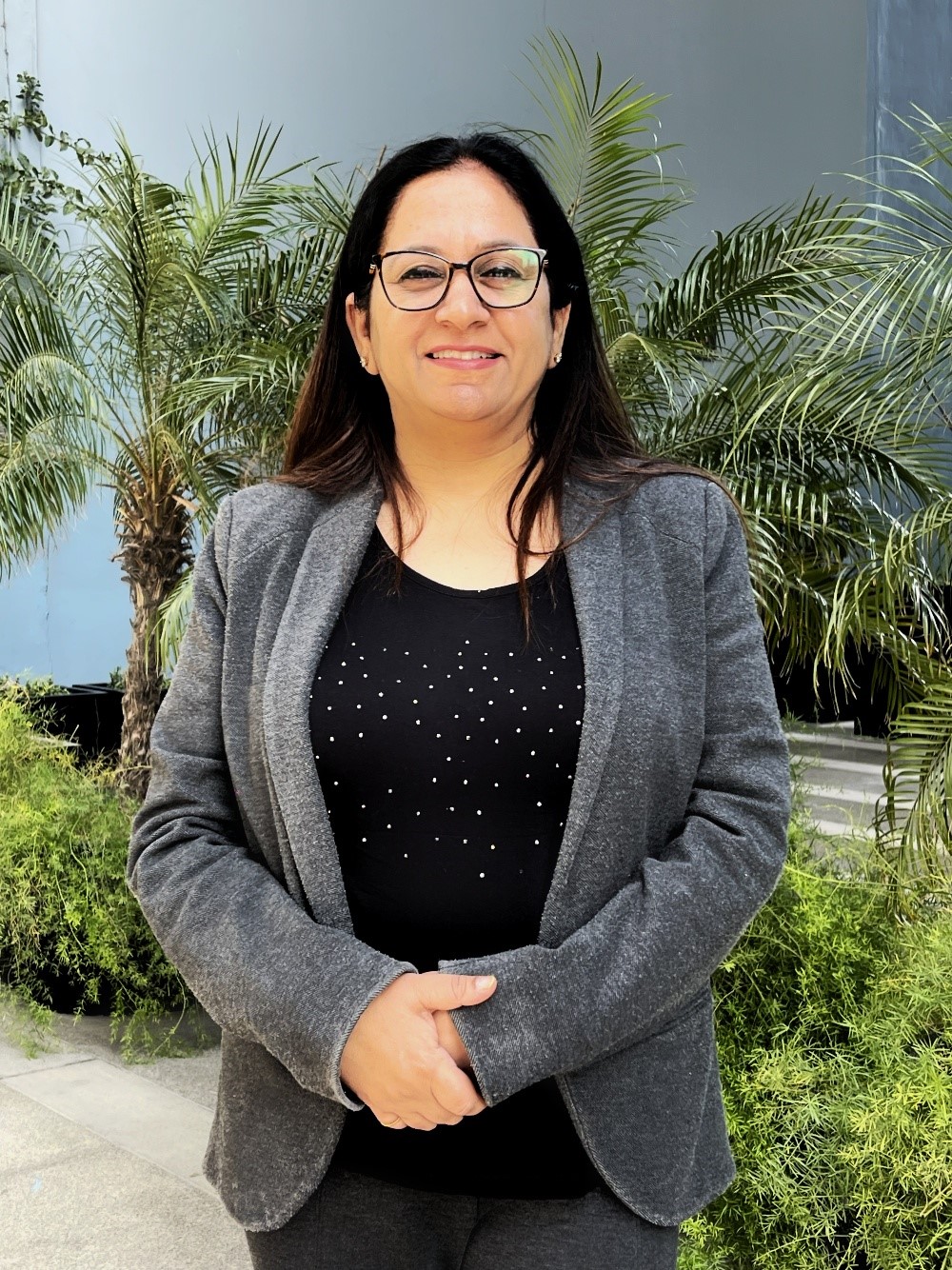


By Paul J. Cline
Date: April 27, 2026



By Rebecca Staton-Reinstein
Date: April 28, 2026


By Staci Warne
Date: April 28, 2026
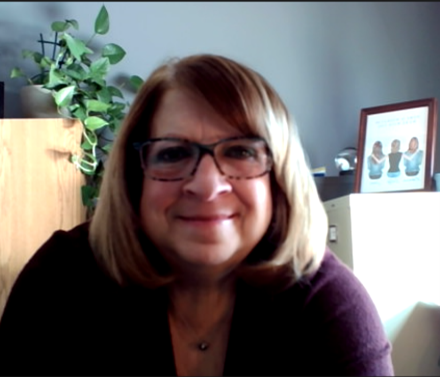
By Cathy Horwitz
Date: April 29, 2026

By Beverly Beuermann-King
Date: April 29, 2026



By Margie Faulk
Date: May 1, 2026

By Erica Chisolm & Vanessa Hardiman
Date: May 1, 2026

By Deb Schaffer
Date: May 4, 2026

By Marcia Zidle
Date: May 4, 2026


By Bruce Lee
Date: May 5, 2026



By Dr. Susan Strauss
Date: May 6, 2026

By Ms. Michael Redmond
Date: May 6, 2026


By Marcia Zidle
Date: May 7, 2026

By Paul Pelletier
Date: May 8, 2026

By William Mack Copeland
Date: May 8, 2026

By Pete Tosh
Date: May 11, 2026

By Manish Gupta
Date: May 11, 2026

By Mark Schwartz
Date: May 11, 2026
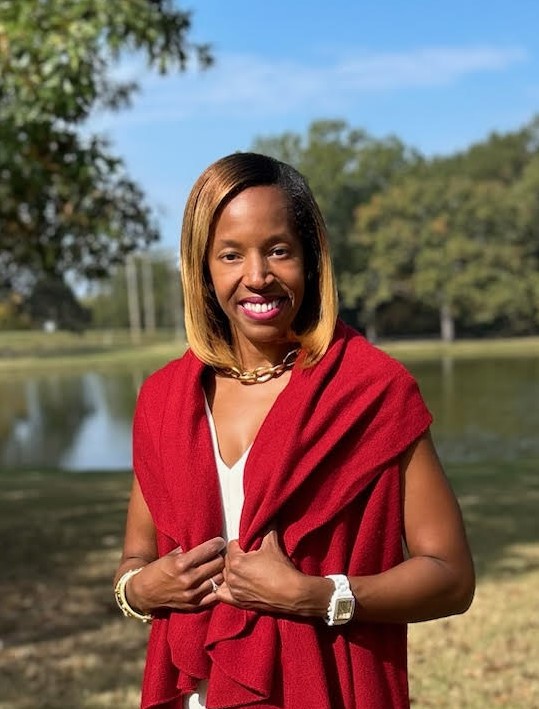
By Candie L. Simmons
Date: May 12, 2026


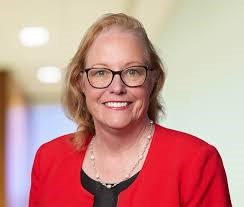


By Carolyn Troiano
Validation of FDA-Regulated Medical Device and SaMD Products Using AI, ML, and LLMs, such as ChatGPT
Date: May 15, 2026

By Edwin Waldbusser
Recorded Session

By David Nettleton
Recorded Session


By Mark Gorkin
Recorded Session

By Dev Strischek
Recorded Session

By Allen Evitts
Recorded Session
By Pete Tosh
Recorded Session
By Mark Gorkin
Recorded Session
By Dr. Susan Strauss
Recorded Session
By David Nettleton
Recorded Session

By Melveen Stevenson
Recorded Session
By Carolyn Troiano
Recorded Session

By Bob Verchota
Recorded Session

By Don Phin
Recorded Session

By Audrey Halpern
Recorded Session
By Dr. Susan Strauss
Recorded Session


By Melveen Stevenson
Recorded Session

By Michael Healey
Recorded Session

By Richard E Cascarino
Recorded Session

By Mike Thomas
Recorded Session
By Paul J. Cline
Recorded Session
By Mike Thomas
Recorded Session

By Beverly Beuermann-King
Recorded Session

By Brian G. Rosenberg
Recorded Session

By Marcia Zidle
Unlock Employee Loyalty: Stay Interviews Will Keep Them Engaged Before They Start Looking Elsewhere!
Recorded Session
By Marcia Zidle
Recorded Session