

Excel Power Skills: Master Functions, Formulas, and Macros – A 3-Hour Workshop
Duration: 180 Minutes
This 3-hour Excel workshop covers three intermediate to advanced features that bring automation into your spreadsheets: formulas and functions, lookup functions and macros.
You'll start with the top 10 functions every user should know, including SUM, AVERAGE, COUNT, IF and its variants, date functions and text functions for cleaning imported data. Next come lookup functions, which beat searching for data by hand: VLOOKUP and its arguments, approximate matches, lookups across workbooks, handling #N/A with IFNA and IFERROR, HLOOKUP, and why INDEX and MATCH is often the better choice.
Finally, you'll create a macro with the built-in recorder, save a macro-enabled workbook, run it and make simple edits in VBA. No prior macro or VBA experience is needed.
- Use the top statistical, logical, date and text functions in Excel
- Build VLOOKUP formulas with exact and approximate matches
- Troubleshoot #N/A results with IFNA and IFERROR
- Use HLOOKUP, INDEX and MATCH for more flexible lookups
- Record, save and run macros in a macro-enabled workbook
- View and edit recorded macros in VBA
Formulas and functions
- Statistical functions including SUM, AVERAGE, MAX, MIN and COUNT
- IF and its counterparts COUNTIF, SUMIF and AVERAGEIF
- Calculating dates with TODAY and NOW
- Text functions for imported data, including LEFT, RIGHT, LEN, TRIM and CONCATENATE
Lookup functions
- The arguments in the VLOOKUP function
- Why absolute references matter in lookup functions
- Approximate matches with VLOOKUP
- Simplifying multiple-field lookups with concatenation
- Looking up data from another workbook
- How VLOOKUP stops at the first match in a list
- Why VLOOKUP sometimes returns #N/A
- The IFNA function (Excel 2013 and later) and IFERROR for handling missing matches
- Horizontal matches with HLOOKUP
- Why INDEX and MATCH often beats VLOOKUP or HLOOKUP
- Finding an item's position with MATCH
Macros
- Workbook macros vs. personal macros
- Making macros available to all your workbooks
- Creating a macro with the macro recorder
- Saving a file as a macro-enabled workbook
- Running a macro
- Viewing the recorded macro in VBA
- Editing the macro
A handful of functions, lookups and macros can save hours of manual work and make your spreadsheets perform better, whether you run a small business, work in an office or use Excel casually.
This workshop suits business owners, executives, managers, accountants and CPAs, financial consultants, auditors, bookkeepers, IT, HR and marketing staff, and anyone who works with large amounts of data in Excel.
- Business owners
- CEO's/CFO's/CTO's
- Managers
- Accountants
- CPA's
- Financial consultants
- IT professionals
- Auditors
- Human Resource personnel
- Bookkeepers
- Marketers
- Anybody with large amounts of Data
- Anybody who uses Microsoft Excel on a regular basis, and wants to be more efficient and productive
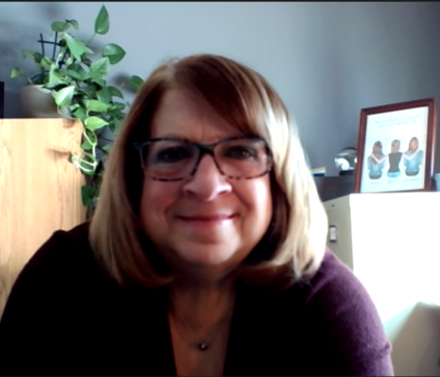
Cathy Horwitz is a highly experienced Microsoft Office instructor, specializing in Excel, Word, PowerPoint, Outlook, and Access. With over 30 years of expertise in both in-person and online training, she has helped thousands of professionals boost productivity, streamline workflows, and master essential Microsoft Office skills.
Cathy has been teaching Microsoft Office since its inception, offering tailored training programs that meet the unique needs of individuals and businesses. Her courses cover everything from Excel formulas, PivotTables, and automation with macros to Word document formatting, PowerPoint presentation design, and Outlook email management. Workshops from beginning level through advanced are available.
Known for her engaging, hands-on teaching style, Cathy incorporates real-world business scenarios to ensure students gain practical skills they can immediately apply. Whether you're looking for corporate training, individual coaching, or advanced Microsoft Office workshops, Cathy delivers results-driven instruction that enhances efficiency, problem-solving, and software proficiency.
When not teaching, Cathy enjoys gardening, shopping estate sales and refinishing mid-century furniture.
Upcoming Webinars

By William Mack Copeland
Date: Nov. 6, 2026

By Carolyn Troiano
Date: Nov. 6, 2026

By Edwin Waldbusser
Date: Nov. 9, 2026

By Dev Strischek
Date: Nov. 9, 2026

By Cathy Horwitz
Date: Nov. 10, 2026

By Paul Pelletier
Date: Nov. 10, 2026


By Lesley Crook
Date: Nov. 13, 2026


By Dr. Susan Strauss
Date: Nov. 16, 2026



By Allen Evitts
Date: Nov. 17, 2026

By Dr. Bill Trombetta
Date: Nov. 17, 2026

By David Nettleton
Date: Nov. 17, 2026

By Bruce Lee
Date: Nov. 17, 2026



By Dr. Susan Strauss
Date: Nov. 18, 2026

By Mike Thomas
Date: Nov. 18, 2026

By Donna K Olheiser
Date: Nov. 19, 2026

By Charles H. Paul
Date: Nov. 19, 2026

By Diane L. Dee
Date: Nov. 19, 2026

By Abdelrahman Abdou
Date: Nov. 19, 2026


By Richard E Cascarino
Date: Nov. 20, 2026
By Edwin Waldbusser
Date: Nov. 23, 2026

By Meredith Crabtree
Date: Nov. 24, 2026


By Pete Tosh
Recorded Session
By Bruce Lee
Recorded Session

By Don Phin
Recorded Session



By Dr. Susan Strauss
Recorded Session


By Margie Faulk
Recorded Session


By Carolyn Troiano
Recorded Session

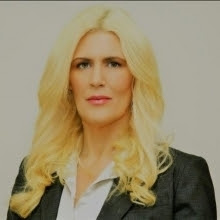
By Kelly Thomas
Recorded Session

By Rachelle D Souza
Recorded Session

By Marcia Zidle
Recorded Session

By Beverly Beuermann-King
Recorded Session
By Margie Faulk
DOL Reverses Course on Independent Contractor Rule for 2026! How Will Employers Adapt to the Change?
Recorded Session
By Mike Thomas
Recorded Session
By Marcia Zidle
Recorded Session

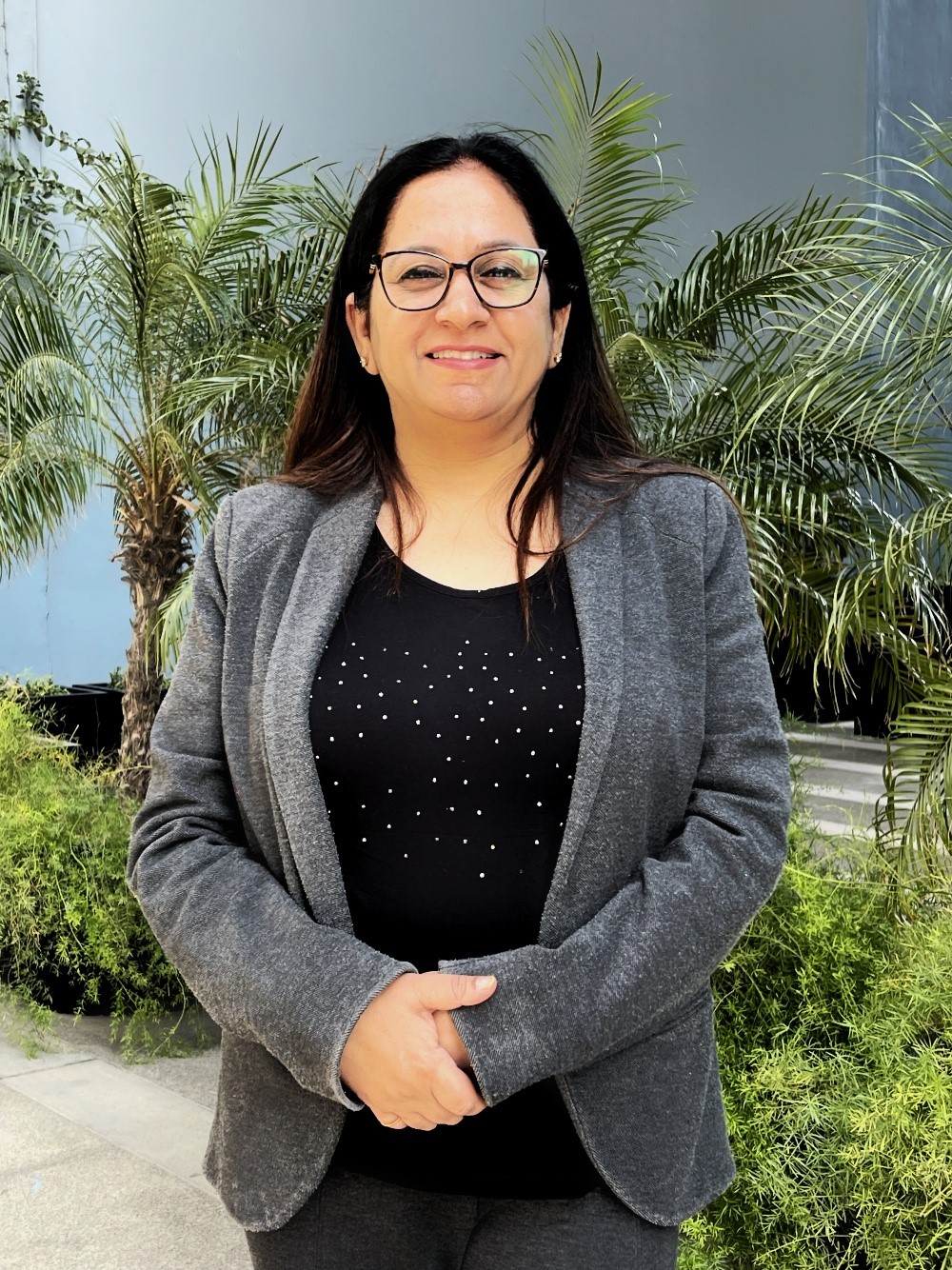
By Ritu Arora
Recorded Session
By Diane L. Dee
Recorded Session
By Dr. Susan Strauss
Recorded Session
By Diane L. Dee
Recorded Session
By Beverly Beuermann-King
Recorded Session
By Charles H. Paul
Recorded Session
By Marcia Zidle
Recorded Session


By Audrey Halpern
Recorded Session