

Using Claude in Excel for Productivity, Automation & Data Analysis
AI tools are changing how people work in spreadsheets. This 90-minute webinar shows how to use Claude in Excel workflows to automate tasks, generate formulas, clean and structure data, and pull useful insights with little effort.
Through live demonstrations, you'll turn plain-English instructions into formulas, fix errors, summarize datasets and generate business insights. You'll also see how AI can help with report creation, email drafting and decisions, with examples from finance, HR, audit and analytics.
A core part of the session is prompt writing: how to ask the right questions so the AI gives accurate, useful answers. You'll finish with best practices and a clear view of the limitations of AI tools.
- Write prompts that get accurate, useful answers from Claude
- Generate Excel formulas from plain-English instructions
- Clean, structure and summarize data with AI
- Detect and correct errors in Excel workbooks
- Automate repetitive tasks and build reports with AI help
- Apply AI to finance, HR and audit scenarios
- Recognize the limitations of AI tools and follow best practices
- Introduction to AI in Excel and Claude
- Prompt writing techniques for better results
- Formula generation using natural language
- Data cleaning and structuring with AI
- Error detection and correction in Excel
- Data analysis and insight generation
- Automating repetitive Excel tasks
- Creating summaries and reports with AI
- Real-life business use cases in HR, finance and audit
- Best practices and limitations of AI tools
Professionals need to analyze data quickly and cut repetitive manual work. This session shows how simple prompts can handle common Excel tasks such as writing formulas, cleaning data and building reports, saving time and improving accuracy.
It suits Excel users, finance and HR professionals, auditors, compliance officers, data and business analysts, managers and team leaders who handle large datasets or daily reports.
- All Excel Users
- Finance Professionals
- Compliance Officers
- Auditors
- Data Analysts
- HR Professionals
- Managers
- Team Leaders
- Business Analysts
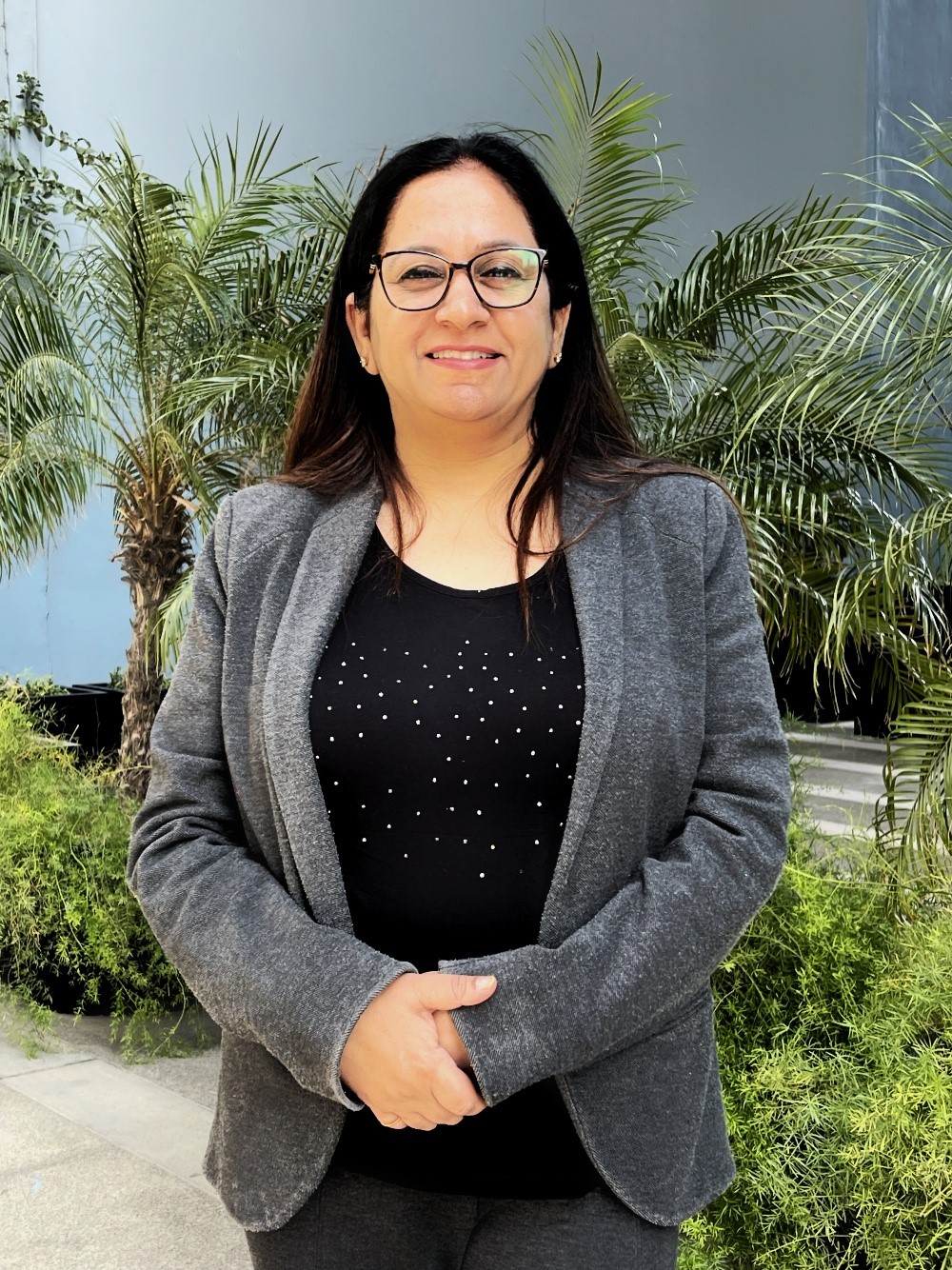
Ritu Arora has trained more than 100,000 people in over 3500 corporations over the past 20 years. This extensive experience has allowed her to develop a deep understanding of the diverse needs of learners. As an expert in Microsoft Office, Ritu Arora has provided training on essential software programs such as Microsoft Office Specialist Excel and Microsoft Office Specialist PowerPoint. Her expertise has been further strengthened by her authorship of the books “Advance Excel Guide” and “Mastering Advanced Excel with ChatGPT Integration”, which provides comprehensive and practical guidance to users of all levels. Ritu Arora is associated with the (CII), where she is involved in their programs “Excelerate with Excel” and “Empower with PowerPoint Skills.” Additionally, she has partnered with lot of banks to provide “Advance Excel and PowerPoint” training to their employees.
Upcoming Webinars

By William Mack Copeland
Date: Nov. 6, 2026

By Carolyn Troiano
Date: Nov. 6, 2026

By Edwin Waldbusser
Date: Nov. 9, 2026

By Dev Strischek
Date: Nov. 9, 2026

By Cathy Horwitz
Date: Nov. 10, 2026

By Paul Pelletier
Date: Nov. 10, 2026

By Lesley Crook
Date: Nov. 13, 2026


By Dr. Susan Strauss
Date: Nov. 16, 2026



By Allen Evitts
Date: Nov. 17, 2026

By Dr. Bill Trombetta
Date: Nov. 17, 2026

By David Nettleton
Date: Nov. 17, 2026

By Bruce Lee
Date: Nov. 17, 2026



By Dr. Susan Strauss
Date: Nov. 18, 2026

By Mike Thomas
Date: Nov. 18, 2026

By Donna K Olheiser
Date: Nov. 19, 2026

By Charles H. Paul
Date: Nov. 19, 2026

By Diane L. Dee
Date: Nov. 19, 2026

By Abdelrahman Abdou
Date: Nov. 19, 2026


By Richard E Cascarino
Date: Nov. 20, 2026
By Edwin Waldbusser
Date: Nov. 23, 2026

By Meredith Crabtree
Date: Nov. 24, 2026

By Pete Tosh
Recorded Session
By Bruce Lee
Recorded Session

By Don Phin
Recorded Session


By Dr. Susan Strauss
Recorded Session


By Margie Faulk
Recorded Session


By Carolyn Troiano
Recorded Session

By Kelly Thomas
Recorded Session

By Rachelle D Souza
Recorded Session

By Marcia Zidle
Recorded Session

By Beverly Beuermann-King
Recorded Session
By Margie Faulk
DOL Reverses Course on Independent Contractor Rule for 2026! How Will Employers Adapt to the Change?
Recorded Session
By Mike Thomas
Recorded Session
By Marcia Zidle
Recorded Session

By Ritu Arora
Recorded Session
By Diane L. Dee
Recorded Session
By Dr. Susan Strauss
Recorded Session
By Diane L. Dee
Recorded Session
By Beverly Beuermann-King
Recorded Session
By Charles H. Paul
Recorded Session
By Marcia Zidle
Recorded Session


By Audrey Halpern
Recorded Session