

Co-Pilot and AI in Excel

Excel now does far more than store and calculate data. With Copilot and AI in Excel, the spreadsheet can automate routine tasks, surface insights and help forecast trends. This 120-minute Copilot in Excel training makes these features approachable for every user.
Working through real-world scenarios, you'll see why converting lists into tables matters, how to write clear, detailed prompts that get good results, and how Copilot can help with complex functions, extract values and compare lists. You'll also build PivotTables and charts with AI, apply conditional formatting with natural language, and automate tasks without writing VBA yourself.
The session closes with the requirements and limitations of Copilot, a comparison of Copilot and ChatGPT, and an honest look at whether Copilot is right for you.
- Recognize AI features in Excel you may already be using
- Use Copilot in Excel to solve real-world data analytics problems
- Create functions, extract values and compare lists with AI
- Build PivotTables and charts using AI
- Automate tasks with Copilot-generated VBA code, even if you have never written any
- Explain the requirements and limitations of Copilot
- Compare Copilot with ChatGPT
- Why you should convert lists into tables
- Writing clear, detailed prompts for the best results from AI tools
- Getting help with complex functions from Copilot
- Automating tasks without knowing VBA
- Conditional formatting with natural language queries
- PivotTables and charts with AI
- Requirements and limitations of Copilot
- Comparing Copilot and ChatGPT
- Is Copilot for me?
Whether you are a beginner or an advanced user, and whether you work in accounting, administration or data analytics and visualization, Copilot can help you solve Excel problems without asking colleagues for help. You may already be using some AI features in Excel without realizing it.
The session suits accountants, auditors, financial, data, business, sales, marketing and HR analysts, payroll specialists, assistants, office and project managers, recruiters, managers at all levels and small business owners.
• Accountants and auditors
• Financial Analysts
• Payroll Specialists
• Data Analysts / Business Analysts
• Administrative or Executive Assistants
• Office Managers / Project Managers
• Sales Analysts / Marketing Analysts
• HR Analysts
• Recruiters (for data tracking)
• Managers (all levels)
• Small Business Owners
Nabil Mourad, a name synonymous with Excel expertise. With the distinguished title of Microsoft Excel Most Valuable Professional and over 15 years as a Microsoft Certified Trainer, Nabil brings a wealth of knowledge. He's a college professor in Toronto, a partner at OfficeInstructor Training Centre, and a published author of several Excel textbooks. His dedication to education is further exemplified by his highly successful YouTube channel, OfficeInstructor, which has surpassed 100,000 subscribers,
And looking ahead, he's currently working on his first LinkedIn Learning course, set to launch in Summer 2025. Please join me in welcoming Nabil!
Upcoming Webinars

By William Mack Copeland
Date: Nov. 6, 2026

By Carolyn Troiano
Date: Nov. 6, 2026

By Edwin Waldbusser
Date: Nov. 9, 2026

By Dev Strischek
Date: Nov. 9, 2026


By Cathy Horwitz
Date: Nov. 10, 2026

By Paul Pelletier
Date: Nov. 10, 2026



By Lesley Crook
Date: Nov. 13, 2026


By Dr. Susan Strauss
Date: Nov. 16, 2026



By Allen Evitts
Date: Nov. 17, 2026

By Dr. Bill Trombetta
Date: Nov. 17, 2026

By David Nettleton
Date: Nov. 17, 2026

By Bruce Lee
Date: Nov. 17, 2026



By Dr. Susan Strauss
Date: Nov. 18, 2026

By Mike Thomas
Date: Nov. 18, 2026

By Donna K Olheiser
Date: Nov. 19, 2026

By Charles H. Paul
Date: Nov. 19, 2026

By Diane L. Dee
Date: Nov. 19, 2026

By Abdelrahman Abdou
Date: Nov. 19, 2026


By Richard E Cascarino
Date: Nov. 20, 2026
By Edwin Waldbusser
Date: Nov. 23, 2026

By Meredith Crabtree
Date: Nov. 24, 2026


By Pete Tosh
Recorded Session
By Bruce Lee
Recorded Session

By Don Phin
Recorded Session


By Dr. Susan Strauss
Recorded Session


By Margie Faulk
Recorded Session


By Carolyn Troiano
Recorded Session
By Kelly Thomas
Recorded Session

By Rachelle D Souza
Recorded Session

By Marcia Zidle
Recorded Session

By Beverly Beuermann-King
Recorded Session
By Margie Faulk
DOL Reverses Course on Independent Contractor Rule for 2026! How Will Employers Adapt to the Change?
Recorded Session
By Mike Thomas
Recorded Session
By Marcia Zidle
Recorded Session

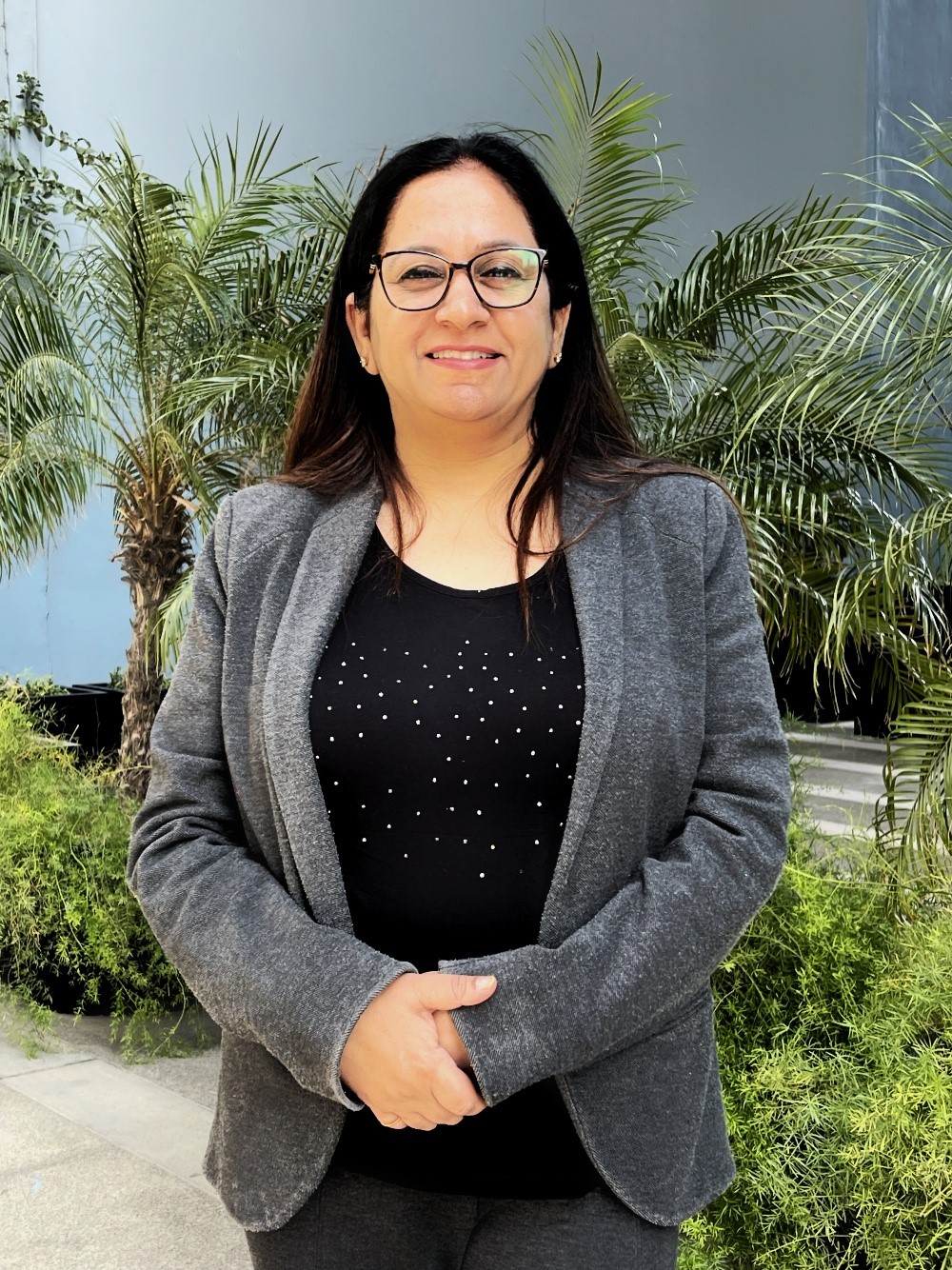
By Ritu Arora
Recorded Session
By Diane L. Dee
Recorded Session
By Dr. Susan Strauss
Recorded Session
By Diane L. Dee
Recorded Session
By Beverly Beuermann-King
Recorded Session
By Charles H. Paul
Recorded Session
By Marcia Zidle
Recorded Session


By Audrey Halpern
Recorded Session