
Microsoft Forms 101

Duration: 90 Minutes
Microsoft Forms 101 is an entry-level training session designed to help you get started with one of the most accessible tools in the Microsoft 365 environment. In just 90 minutes, you'll learn how to create basic forms, customise layouts, share them with others, and analyse results. Whether you’re planning an event, collecting staff feedback, or running a quick poll, this session gives you the tools and confidence to build digital forms that work.
- Introduction to Microsoft Forms: what it is and how to access it
- Creating a new form: layout, titles, and descriptions
- Exploring different question types and their uses
- Customising the appearance: themes, images, and branding basics
- Sharing forms internally and externally
- Controlling who can respond, deadlines, and multiple responses
- Viewing responses and exporting to Excel
- Using Forms for quizzes, feedback, and simple surveys
- Best practices for form structure and clarity
- Troubleshooting common issues for first-time users
Need feedback but unsure how to gather it quickly and cleanly? If you're still sending long email threads, Excel templates, or paper-based questionnaires, it's time for an upgrade. Microsoft Forms is a simple but powerful solution-if you know how to use it. This session will help you stop guessing and start collecting data the smart way, using a tool that’s already part of Microsoft 365.
- Beginners and new Microsoft 365 users
- Administrative and Support staff
- HR, L&D, and Operations Professionals
- Teachers, Trainers, and school support Teams
- Event Organisers and Office Coordinators
- Anyone Asked to Collect Feedback, RSVPs, or Simple Data
- People who've tried Forms once and got stuck
Terry Winship is a Microsoft Certified Trainer (MCT) with over 20 years of experience in IT management and programming. Her expertise spans a range of software tools, from Microsoft staples like Excel, PowerPoint, Word, and Outlook to modern essentials such as Canva and LinkedIn profile optimization.
In the realm of training, her qualifications don't end at software. She has been accredited by Microsoft to teach the Instructional Skills Certification, a "train the trainer" program. Moreover, she has a Bachelor of Commerce and has provided training on an international scale, giving a broad understanding of diverse learning needs.
Beyond technical training, she has honed and shared skills essential for the modern professional: presentation techniques, public speaking, and speech writing. As a TEDx coach, She had the privilege of guiding speakers in crafting messages that leave a lasting impact.
Throughout her career, she has been driven by a passion for life-long learning. Whether you're looking to enhance your software proficiency or develop your soft skills, she brings to the table a blend of technical know-how, years of training experience, and a commitment to helping you achieve your goals.
Upcoming Webinars

By Marcia Zidle
Date: March 26, 2026

By Garrett Wasny
Date: March 26, 2026

By Edlyn McGarity
Date: March 31, 2026


By Dr. Susan Strauss
Date: April 1, 2026

By Margie Faulk
HR Documentation: How Can HR Professionals and Supervisors Create Litigation-Proof Decisions in 2026
Date: April 1, 2026

By Ms. Michael Redmond
Date: April 1, 2026

By Audrey Halpern
Date: April 2, 2026


By Diane L. Dee
Date: April 2, 2026

By Don Phin
Date: April 2, 2026

By Bob Verchota
Date: April 2, 2026

By William Mack Copeland
Date: April 3, 2026

By Richard E Cascarino
Date: April 3, 2026

By Bruce Lee
Date: April 6, 2026

By Carolyn Troiano
Date: April 6, 2026

By Deb Schaffer
Date: April 6, 2026
By Candie L. Simmons
Date: April 7, 2026

By David Nettleton
Date: April 8, 2026
By Marcia Zidle
Date: April 8, 2026
By Dr. Susan Strauss
Date: April 9, 2026

By Mark Gorkin
Date: April 9, 2026


By Pete Tosh
Date: April 10, 2026
By Carolyn Troiano
Validation of FDA-Regulated Medical Device and SaMD Products Using AI, ML, and LLMs, such as ChatGPT
Date: April 10, 2026

By Dev Strischek
Date: April 13, 2026

By Allen Evitts
Date: April 13, 2026


By Edwin Waldbusser
Date: April 14, 2026
By Mark Gorkin
Date: April 14, 2026

By Erica Chisolm & Vanessa Hardiman
Date: April 17, 2026

By Sonja Pasquantonio
Date: April 20, 2026
By David Nettleton
Date: April 20, 2026

By Elaine Eisenbeisz
Date: April 20, 2026

By Paul Pelletier
Date: April 21, 2026
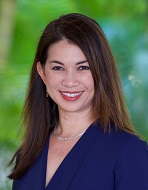
By Melveen Stevenson
Recorded Session
By Melveen Stevenson
Recorded Session

By Michael Healey
Recorded Session
By Paul Pelletier
Recorded Session
By Richard E Cascarino
Recorded Session

By Mike Thomas
Recorded Session

By Paul J. Cline
Recorded Session
By Mike Thomas
Recorded Session



By Beverly Beuermann-King
Recorded Session

By Brian G. Rosenberg
Recorded Session

By Marcia Zidle
Unlock Employee Loyalty: Stay Interviews Will Keep Them Engaged Before They Start Looking Elsewhere!
Recorded Session

By Marcia Zidle
Recorded Session
By Margie Faulk
Recorded Session

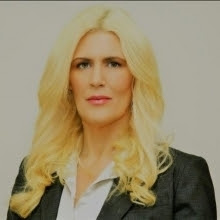
By Kelly Thomas
Recorded Session

By Ronald L. Adler
Recorded Session
By Brian G. Rosenberg
Recorded Session

By Rachelle D Souza
Recorded Session

By Bruce Lee
Recorded Session
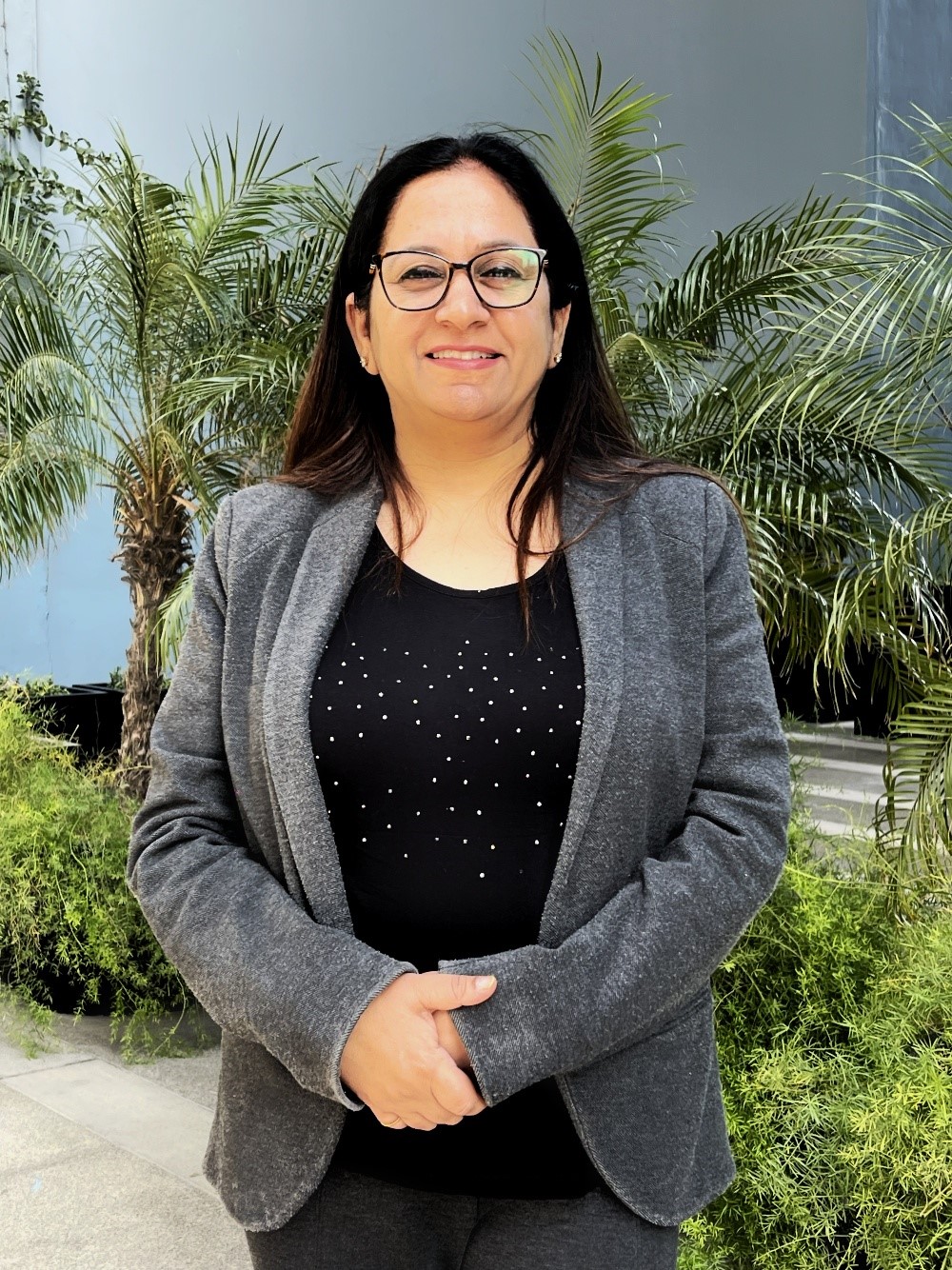
By Ritu Arora
Recorded Session
By Carolyn Troiano
Recorded Session

By Ginette M. Collazo
Recorded Session

By Justin Muscolino
Recorded Session