

Use Microsoft Outlook to Its Fullest Extent: Tips Techniques and Best Practices. Its Money in Your Pocket

If your team uses Microsoft Outlook only for email and meetings, about 80 to 85 percent of its power goes unused. This 60-minute Outlook productivity webinar shows quick, easy ways to get more done in less time by using the program to its fullest.
It takes an integrated approach to Outlook's folders. You'll learn why the calendar is the key to daily workflow, how to use the calendar and tasks folders together, how to turn urgent email requests into tasks or calendar items, and how to estimate how long tasks will take and finish them in that time.
The session also covers organizing complex work in the tasks folder, sorting everything with categories, task views, the To-Do Bar versus To-Do Lists and tasks, and keeping track of delegated work.
- Turn urgent email requests into tasks or calendar items
- Estimate task time and complete work within it
- Organize complex work with task folders and views
- Sort information in every folder with categories
- Distinguish the To-Do Bar, To-Do Lists and tasks
- Use the calendar to see your workload and pace your day
- Track delegated initiatives so nothing slips through the cracks
- Using Microsoft Outlook as a productivity tool
- Why the calendar is key to daily workflow
- Using the calendar and tasks folders together
- The personal benefits of Outlook's productivity features
- Turning urgent email requests into tasks or calendar items
- Estimating task time and finishing work in that time frame
- Organizing complex work requests and project folders in tasks
- Using categories across email, calendar, contacts and tasks
- Prioritizing tasks and using different task views
- The To-Do Bar vs. To-Do Lists and tasks
- Using the calendar for a workload overview and pacing daily productivity
- Keeping on top of delegated initiatives
Wasted time costs money. Using Outlook well helps team members finish projects on time, remember every assignment, avoid missed deadlines and meetings, and leave work on time, while building individual responsibility and accountability.
It suits administrative staff, team leaders and members, project managers, IT, finance, engineering, sales and customer service staff, managers and executives, especially anyone using Outlook only for email.
- Administrative personnel
- Team leaders
- Team members
- Project managers
- IT professionals
- Finance and accounting personnel
- Engineers
- Managers at all levels of the company
- Executives
- Sales professionals
- Sales managers
- Customer service personnel
- Employees who use Microsoft Outlook for just email
Karla Brandau is a leading authority on personal and team productivity in the workplace. She specializes in combining the power of time management with technology, especially using Microsoft Outlook as a tool to help individuals "get it all done" in less time.She is the CEO of Workplace Power Institute (www.workplacepowerinstitute.com) and has educated managers with her proven time management and Microsoft Outlook productivity systems in companies such as Motorola, Coca-Cola Enterprises, Panasonic, and BYD America. Over 85% of the organizations who hire Karla, invite her back for repeat engagements.She has a degree in education and is a Certified Speaking Professional, an earned designation given by National Speakers Association. Karla's time management with Microsoft Outlook workbook, "Have More Day at the End of Your Day", is a valuable guide for anyone wanting to know how to use the power of technology to leave work on time."The Gift: Discretionary Effort" is her forthcoming book. It teaches leaders how to manager for greater discretionary effort for employees. She is also the author of "Wake Up The Winner Inside" and "101 Time Management Tips for Busy Professionals." She writes a monthly informational newsletter, maintains a blog (www.FromtheDeskofKarlaBrandau.com), and has authored many articles for digital information sites and magazine.As she speaks for top corporations and associations worldwide, people use "high-content," "high-energy" and "highly professional" to describe this experienced industry veteran.
Upcoming Webinars

By William Mack Copeland
Date: Nov. 6, 2026

By Carolyn Troiano
Date: Nov. 6, 2026

By Edwin Waldbusser
Date: Nov. 9, 2026

By Dev Strischek
Date: Nov. 9, 2026

By Cathy Horwitz
Date: Nov. 10, 2026

By Paul Pelletier
Date: Nov. 10, 2026

By Lesley Crook
Date: Nov. 13, 2026


By Dr. Susan Strauss
Date: Nov. 16, 2026



By Allen Evitts
Date: Nov. 17, 2026

By Dr. Bill Trombetta
Date: Nov. 17, 2026

By David Nettleton
Date: Nov. 17, 2026

By Bruce Lee
Date: Nov. 17, 2026



By Dr. Susan Strauss
Date: Nov. 18, 2026

By Mike Thomas
Date: Nov. 18, 2026

By Donna K Olheiser
Date: Nov. 19, 2026

By Charles H. Paul
Date: Nov. 19, 2026

By Diane L. Dee
Date: Nov. 19, 2026

By Abdelrahman Abdou
Date: Nov. 19, 2026


By Richard E Cascarino
Date: Nov. 20, 2026
By Edwin Waldbusser
Date: Nov. 23, 2026

By Meredith Crabtree
Date: Nov. 24, 2026


By Pete Tosh
Recorded Session
By Bruce Lee
Recorded Session

By Don Phin
Recorded Session



By Dr. Susan Strauss
Recorded Session


By Margie Faulk
Recorded Session


By Carolyn Troiano
Recorded Session

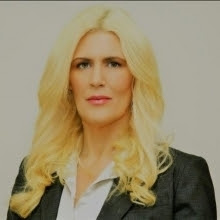
By Kelly Thomas
Recorded Session

By Rachelle D Souza
Recorded Session

By Marcia Zidle
Recorded Session

By Beverly Beuermann-King
Recorded Session
By Margie Faulk
DOL Reverses Course on Independent Contractor Rule for 2026! How Will Employers Adapt to the Change?
Recorded Session
By Mike Thomas
Recorded Session
By Marcia Zidle
Recorded Session

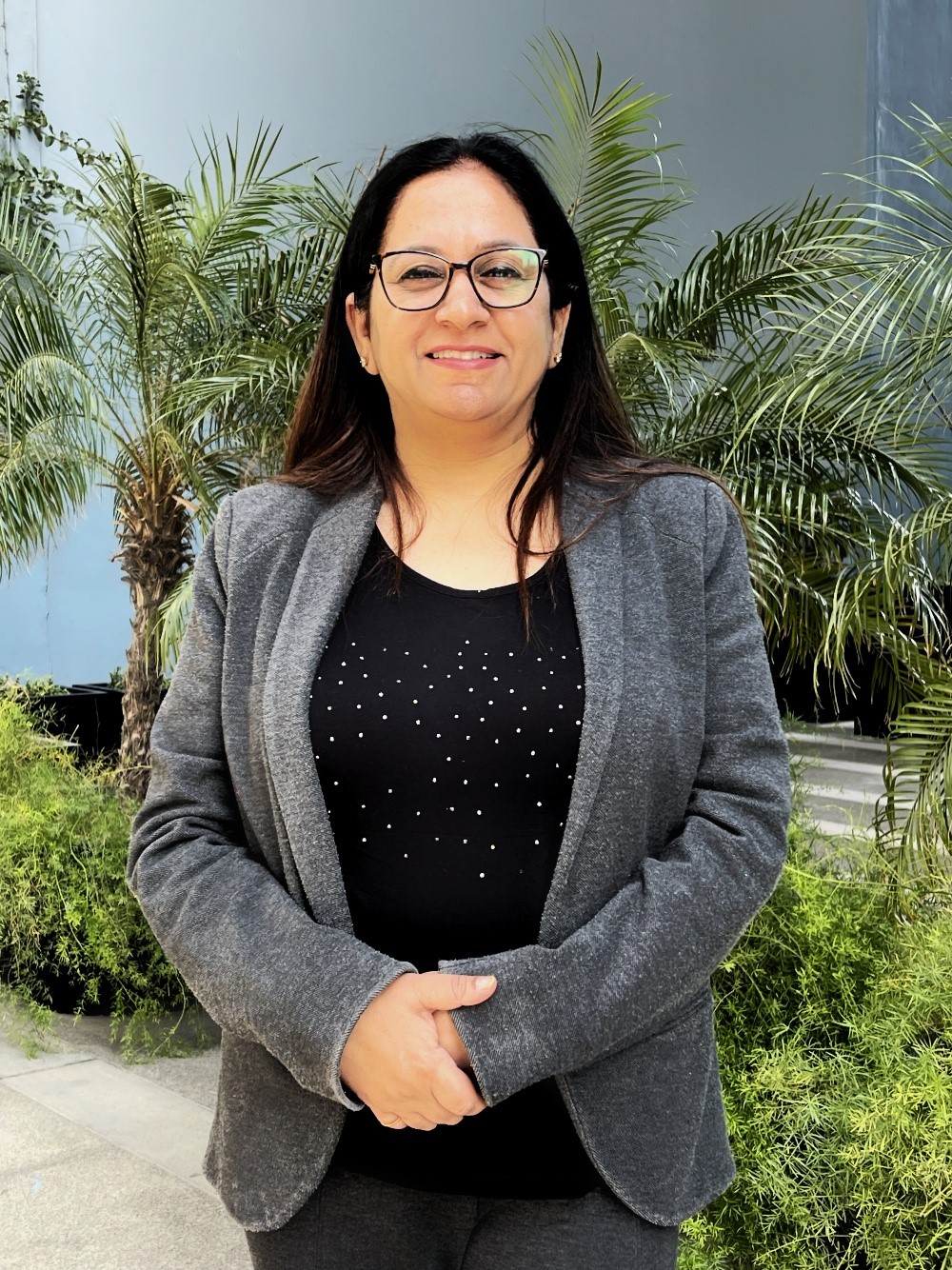
By Ritu Arora
Recorded Session
By Diane L. Dee
Recorded Session
By Dr. Susan Strauss
Recorded Session
By Diane L. Dee
Recorded Session
By Beverly Beuermann-King
Recorded Session
By Charles H. Paul
Recorded Session
By Marcia Zidle
Recorded Session


By Audrey Halpern
Recorded Session