

Excel: Pivot Tables Crash Course

Pivot Tables are one of the strongest tools in Excel's data analysis and business intelligence toolkit, whether you're building a dashboard, doing serious analysis or summarizing data for a small project. This 60-minute Excel Pivot Tables crash course shows you how to use them.
With a few clicks and no complex formulas, you can build reports, dashboards and charts that help you summarize and interpret data, spot trends and answer the questions behind key business decisions.
Pivot Tables have a reputation for being complicated, but you'll see how easy they are to create, customize, filter with slicers and chart.
- Create a Pivot Table from your data
- Use the task pane to add, move and delete fields
- Summarize data into totals, averages or percentages
- Customize the view of a Pivot Table
- Filter results with slicers and visualize them with charts
- Apply tips that keep Pivot Table layouts from changing
- Starting a Pivot Table
- Working with the PivotTable task pane
- Adding, moving and deleting fields
- Summarizing data as totals, averages or percentages
- Customizing the Pivot Table view
- Adding a slicer to filter results
- Adding a chart to visualize results
- Tips and tricks to keep Pivot Table layouts in place
If summarizing data for reports is a frustrating, slow job, this class is for you. Understanding Pivot Tables will save you time and effort every time you need a report.
It suits Excel users in accounting, audit, finance, banking, insurance, HR, IT, sales, marketing, logistics, pharmaceuticals, medical devices and many other fields.
- Accountants
- Accounts
- Audit
- Aviation
- Banking
- CFOs
- Controllers
- CPAs
- Education
- Energy
- FDA
- Finance
- Financial consultants
- Human Resource
- Insurance
- Investments
- IT
- Logistics & Supply Chain
- Marketing
- Medical Devices
- Pharmaceutical
- Retail
- Sales
- Telecom
Andy Lanning, owner, trainer, and Chief Nerd of Computer Software Training, LLC. Andy has 25+ years of experience teaching computer software in the corporate and university environments. She teaches basic to advanced levels in most Microsoft Office programs. She is adjunct faculty at Boise State University, since 1994 to present, where she specializes in computer training for the Center for Professional Development. She also travels to teach at company conferences across the U.S. Andy’s background includes corporate training, private training, and freelance data analysis. She has recorded several online training courses for Udemy.com, GoSkills.com, and in her career has delivered hundreds of courses and webinars on a variety of Microsoft topics.
Upcoming Webinars

By William Mack Copeland
Date: Nov. 6, 2026
By Carolyn Troiano
Date: Nov. 6, 2026

By Edwin Waldbusser
Date: Nov. 9, 2026

By Dev Strischek
Date: Nov. 9, 2026

By Cathy Horwitz
Date: Nov. 10, 2026

By Paul Pelletier
Date: Nov. 10, 2026

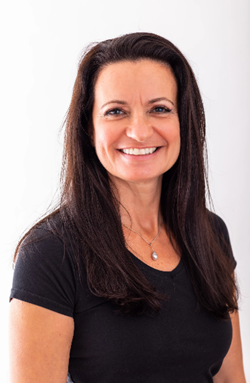
By Lesley Crook
Date: Nov. 13, 2026
By Dr. Susan Strauss
Date: Nov. 16, 2026



By Allen Evitts
Date: Nov. 17, 2026

By Dr. Bill Trombetta
Date: Nov. 17, 2026

By David Nettleton
Date: Nov. 17, 2026

By Bruce Lee
Date: Nov. 17, 2026


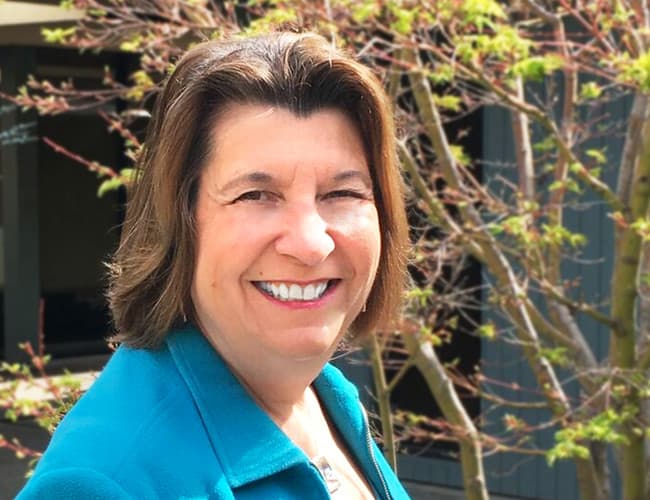

By Dr. Susan Strauss
Date: Nov. 18, 2026

By Mike Thomas
Date: Nov. 18, 2026

By Donna K Olheiser
Date: Nov. 19, 2026

By Charles H. Paul
Date: Nov. 19, 2026
By Diane L. Dee
Date: Nov. 19, 2026

By Abdelrahman Abdou
Date: Nov. 19, 2026


By Richard E Cascarino
Date: Nov. 20, 2026
By Edwin Waldbusser
Date: Nov. 23, 2026

By Meredith Crabtree
Date: Nov. 24, 2026
By Pete Tosh
Recorded Session
By Bruce Lee
Recorded Session

By Don Phin
Recorded Session


By Dr. Susan Strauss
Recorded Session


By Margie Faulk
Recorded Session


By Carolyn Troiano
Recorded Session

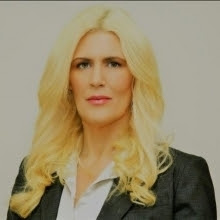
By Kelly Thomas
Recorded Session
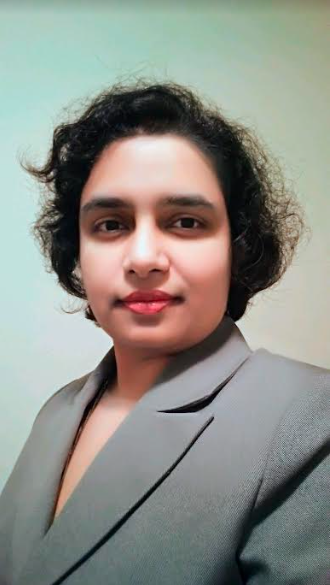
By Rachelle D Souza
Recorded Session
By Marcia Zidle
Recorded Session

By Beverly Beuermann-King
Recorded Session
By Margie Faulk
DOL Reverses Course on Independent Contractor Rule for 2026! How Will Employers Adapt to the Change?
Recorded Session
By Mike Thomas
Recorded Session
By Marcia Zidle
Recorded Session

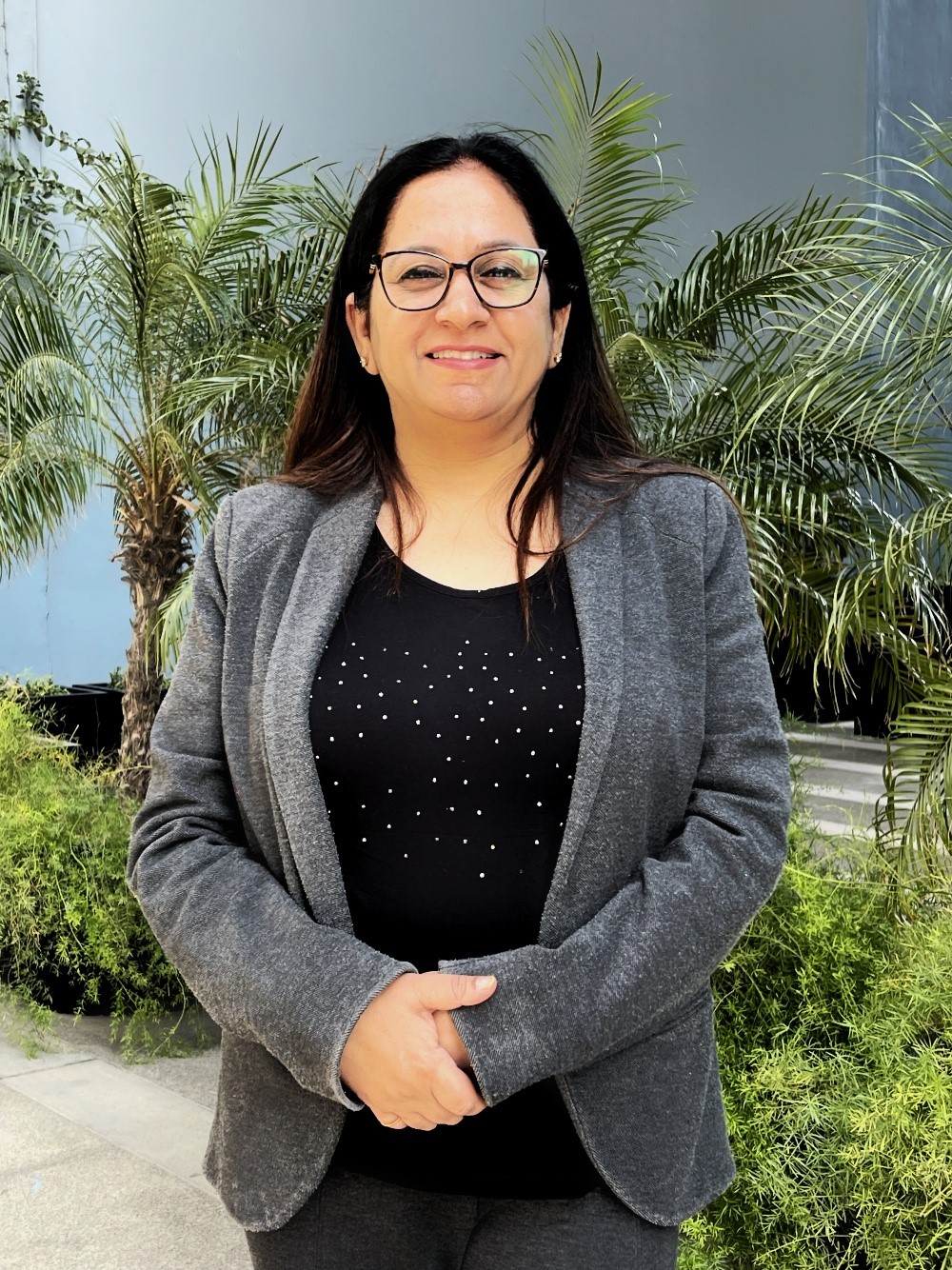
By Ritu Arora
Recorded Session
By Diane L. Dee
Recorded Session
By Dr. Susan Strauss
Recorded Session
By Diane L. Dee
Recorded Session
By Beverly Beuermann-King
Recorded Session
By Charles H. Paul
Recorded Session
By Marcia Zidle
Recorded Session

By Audrey Halpern
Recorded Session