

Excel: Useful Formulas

This practical Excel formulas webinar covers a handful of the formulas and tools you'll use most often, so you understand the syntax well enough to build and fix your own calculations.
You'll split data with Text to Columns and join it back with CONCATENATE, use two kinds of IF functions (logical and error) and learn the syntax of VLOOKUP and HLOOKUP. You'll also transpose data that is laid out the wrong way.
The session shows how to remove duplicates while using conditional formatting to stay in control, use the Name Box at an advanced level, choose between absolute references and named ranges in formulas, and audit formulas to find problems.
- Split data with Text to Columns and combine it with CONCATENATE
- Use logical and error IF functions
- Write VLOOKUP and HLOOKUP formulas with the correct syntax
- Transpose data and remove duplicates with conditional formatting checks
- Choose between absolute references and named ranges
- Audit formulas to find and fix errors
- Text to Columns, then reversing it with CONCATENATE
- Two types of IF functions: logical and error
- The syntax of VLOOKUP and HLOOKUP
- Transposing data that is organized incorrectly
- Removing duplicates while staying in control with conditional formatting
- Advanced use of the Name Box
- Absolute references vs named ranges in formulas
- How to audit formulas
If Excel functions and syntax feel cryptic, this session demonstrates the most common formulas step by step so you can work with confidence and save time on your projects.
It suits anyone who is mostly self-taught in Excel, from beginner to advanced, and wants to fill gaps in their formula skills.
- Anyone who is mostly self-taught in Excel, from beginner to advanced, will learn amazing tips in this webinar
Andy Lanning, owner, trainer, and Chief Nerd of Computer Software Training, LLC. Andy has 25+ years of experience teaching computer software in the corporate and university environments. She teaches basic to advanced levels in most Microsoft Office programs. She is adjunct faculty at Boise State University, since 1994 to present, where she specializes in computer training for the Center for Professional Development. She also travels to teach at company conferences across the U.S. Andy’s background includes corporate training, private training, and freelance data analysis. She has recorded several online training courses for Udemy.com, GoSkills.com, and in her career has delivered hundreds of courses and webinars on a variety of Microsoft topics.
Upcoming Webinars

By William Mack Copeland
Date: Nov. 6, 2026
By Carolyn Troiano
Date: Nov. 6, 2026

By Edwin Waldbusser
Date: Nov. 9, 2026
By Dev Strischek
Date: Nov. 9, 2026

By Cathy Horwitz
Date: Nov. 10, 2026
By Paul Pelletier
Date: Nov. 10, 2026

By Lesley Crook
Date: Nov. 13, 2026
By Dr. Susan Strauss
Date: Nov. 16, 2026



By Allen Evitts
Date: Nov. 17, 2026

By Dr. Bill Trombetta
Date: Nov. 17, 2026

By David Nettleton
Date: Nov. 17, 2026
By Bruce Lee
Date: Nov. 17, 2026



By Dr. Susan Strauss
Date: Nov. 18, 2026

By Mike Thomas
Date: Nov. 18, 2026

By Donna K Olheiser
Date: Nov. 19, 2026

By Charles H. Paul
Date: Nov. 19, 2026
By Diane L. Dee
Date: Nov. 19, 2026
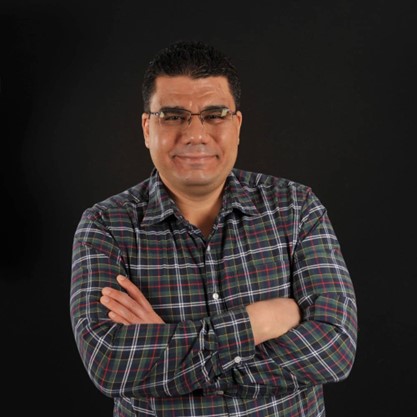
By Abdelrahman Abdou
Date: Nov. 19, 2026

By Richard E Cascarino
Date: Nov. 20, 2026
By Edwin Waldbusser
Date: Nov. 23, 2026

By Meredith Crabtree
Date: Nov. 24, 2026
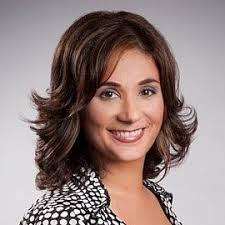
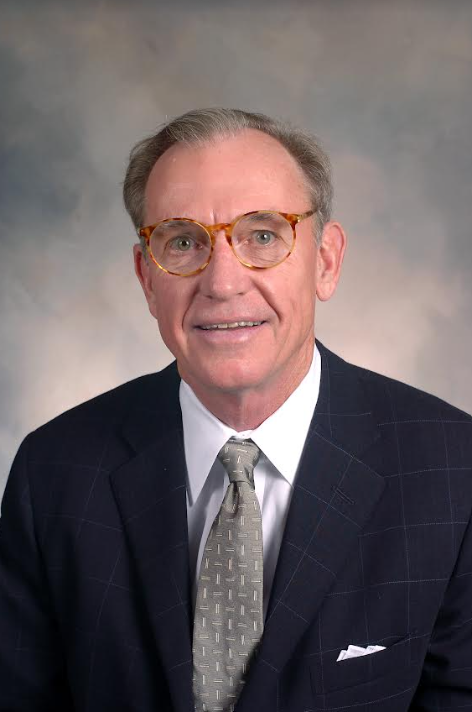
By Pete Tosh
Recorded Session
By Bruce Lee
Recorded Session

By Don Phin
Recorded Session


By Dr. Susan Strauss
Recorded Session


By Margie Faulk
Recorded Session


By Carolyn Troiano
Recorded Session

By Kelly Thomas
Recorded Session
By Rachelle D Souza
Recorded Session
By Marcia Zidle
Recorded Session
By Beverly Beuermann-King
Recorded Session
By Margie Faulk
DOL Reverses Course on Independent Contractor Rule for 2026! How Will Employers Adapt to the Change?
Recorded Session
By Mike Thomas
Recorded Session
By Marcia Zidle
Recorded Session

By Ritu Arora
Recorded Session
By Diane L. Dee
Recorded Session
By Dr. Susan Strauss
Recorded Session
By Diane L. Dee
Recorded Session
By Beverly Beuermann-King
Recorded Session
By Charles H. Paul
Recorded Session
By Marcia Zidle
Recorded Session

By Audrey Halpern
Recorded Session