

Outlook - Master your Mailbox - Inbox Hero Inbox Zero
Microsoft Outlook is the standard tool for email, calendar appointments and to-dos for most business users, with desktop and mobile versions full of features. In practice, with the average office worker getting more than 100 emails a day, many people face email overload, missed deadlines and packed calendars.
This 60-minute Outlook inbox zero training focuses on email. You'll learn to set up Outlook for distraction-free work, automate processing with rules and Quick Steps, apply the 4 D's of email management, and turn messages into to-do items and calendar appointments. It is an introductory session taught in the latest version of Outlook, though much of it applies to earlier versions.
- Configure Outlook for distraction-free productivity
- Create rules to automate email processing
- Build Quick Steps that automate a series of actions
- Apply the 4 D's of email management
- Convert emails into to-do items and calendar appointments
- Choose between categories and folders based on their pros and cons
- Configuring Outlook for distraction-free productivity
- Creating rules to automate email processing
- Creating Quick Steps to automate a series of actions
- The 4 D's of email management and how to apply them
- Converting emails into to-do items
- Converting emails into calendar appointments
- Categories vs folders: differences, pros and cons
Using Outlook every day is not the same as using it well. Time lost searching for information, a disorganized mailbox and an inbox out of control all add up.
Used the right way, Outlook can save you time, improve response times and help you keep up with actions and due dates. This session suits accountants, CPAs, executives, auditors, HR staff, marketers, IT and government personnel, and anyone who uses Outlook.
This introductory-level session is Aimed at Anyone who uses Microsoft Outlook and is looking for a way to Get back those Precious Hours! The training will be delivered using the latest version of Outlook although much of the functionality is available in Earlier Versions of the Application.
- Accountants
- CPAs
- CEO's / CFO's / CTO's
- Controllers
- Excel User
- Income Tax Preparers
- Enrolled Agents
- Financial Consultants
- IT Professionals
- Auditors
- Human Resource Personnel
- Bookkeepers
- Marketers
- Government Personnel
Mike has worked in the IT training business since 1989 where his expertise and experience covers designing, delivering training courses, writing training materials and recording and editing video-based tutorials. Although he is a subject matter expert in a range of Microsoft technologies and has worked extensively with Mac OSX and Mac-related software since 2006; however, his passion is for all-things-Excel and in 2012 he founded the website theexceltrainer.co.uk
Mike is a Fellow of The Learning and Performance Institute and has worked with and for a large number of global and UK-based companies and organizations across a diverse range of sectors. In addition to training, he designs and develops Microsoft Office-based solutions that automate key business tasks and processes.
Upcoming Webinars

By William Mack Copeland
Date: Nov. 6, 2026
By Carolyn Troiano
Date: Nov. 6, 2026

By Edwin Waldbusser
Date: Nov. 9, 2026

By Dev Strischek
Date: Nov. 9, 2026

By Cathy Horwitz
Date: Nov. 10, 2026

By Paul Pelletier
Date: Nov. 10, 2026

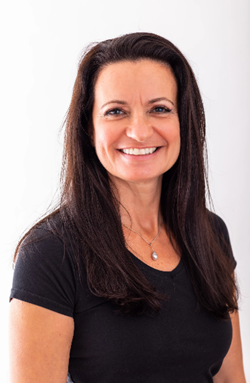
By Lesley Crook
Date: Nov. 13, 2026


By Dr. Susan Strauss
Date: Nov. 16, 2026



By Allen Evitts
Date: Nov. 17, 2026

By Dr. Bill Trombetta
Date: Nov. 17, 2026

By David Nettleton
Date: Nov. 17, 2026

By Bruce Lee
Date: Nov. 17, 2026


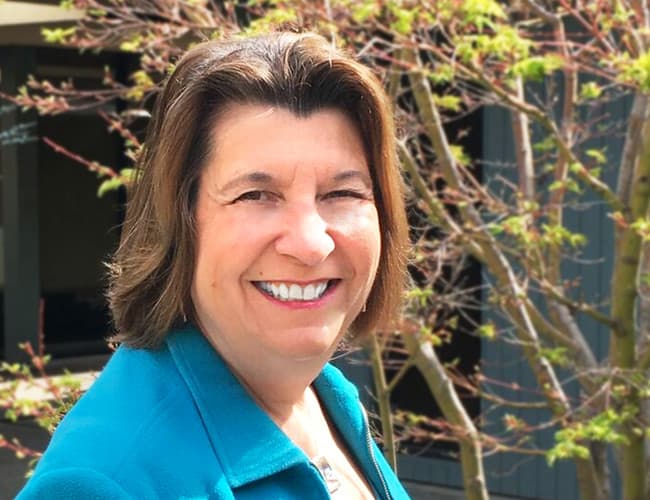

By Dr. Susan Strauss
Date: Nov. 18, 2026

By Mike Thomas
Date: Nov. 18, 2026

By Donna K Olheiser
Date: Nov. 19, 2026

By Charles H. Paul
Date: Nov. 19, 2026
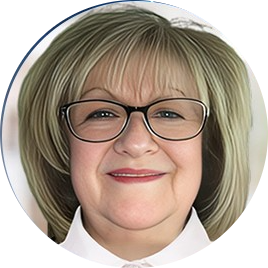
By Diane L. Dee
Date: Nov. 19, 2026

By Abdelrahman Abdou
Date: Nov. 19, 2026


By Richard E Cascarino
Date: Nov. 20, 2026
By Edwin Waldbusser
Date: Nov. 23, 2026

By Meredith Crabtree
Date: Nov. 24, 2026

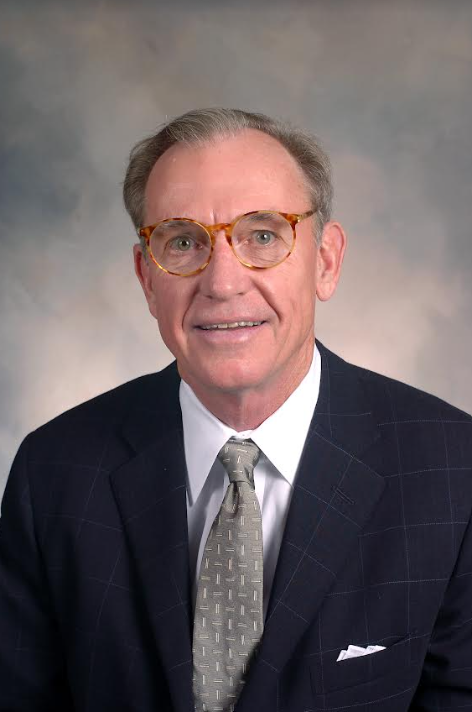
By Pete Tosh
Recorded Session
By Bruce Lee
Recorded Session

By Don Phin
Recorded Session


By Dr. Susan Strauss
Recorded Session


By Margie Faulk
Recorded Session


By Carolyn Troiano
Recorded Session

By Kelly Thomas
Recorded Session

By Rachelle D Souza
Recorded Session

By Marcia Zidle
Recorded Session

By Beverly Beuermann-King
Recorded Session
By Margie Faulk
DOL Reverses Course on Independent Contractor Rule for 2026! How Will Employers Adapt to the Change?
Recorded Session
By Mike Thomas
Recorded Session
By Marcia Zidle
Recorded Session

By Ritu Arora
Recorded Session
By Diane L. Dee
Recorded Session
By Dr. Susan Strauss
Recorded Session
By Diane L. Dee
Recorded Session
By Beverly Beuermann-King
Recorded Session
By Charles H. Paul
Recorded Session
By Marcia Zidle
Recorded Session

By Audrey Halpern
Recorded Session